- Choose file
- Options
- Process
- Download
This file stays on this device.
No watermarksRotate your PDFs online for free. You can select one or multiple pages and rotate them at once!
This file stays on this device.
No watermarksThe demonstration output is a one-page fictitious example with a saved 90-degree rotation. Inspect your own pages individually.
Fictitious source PDF · Example saved rotation
Read the worked guide → | Compare reproducible source and output examples
Related: crop pdf · prepare pdf for upload limit
| What you notice | What to check next |
|---|---|
| The PDF appears sideways again | Open the new download in a separate viewer. A temporary viewer rotation or reopening the original can conceal a saved change. |
| Some pages were already upright | Select affected pages individually and inspect unchanged pages after export. |
Count source rows, inspect the actual download and record any corrections before relying on the result.
Rotate, download, then reopen the saved PDF checklist · Download the printable workbook · Find the next practical workflow
These files contain fictitious information. Use them to check the workflow, compare the source, and review the downloaded result.
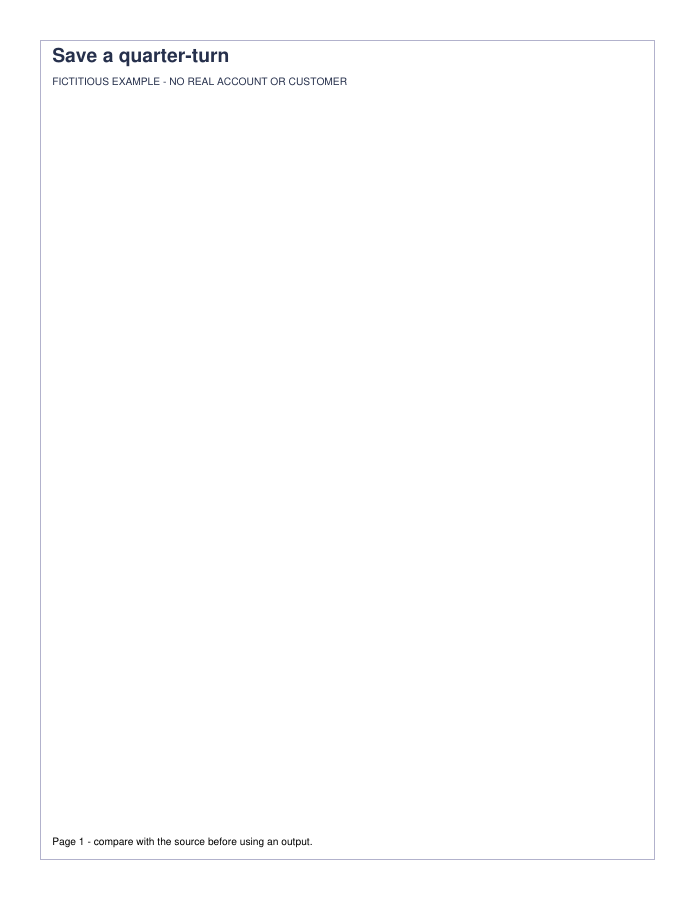
Reopen the download and inspect orientation and page count.
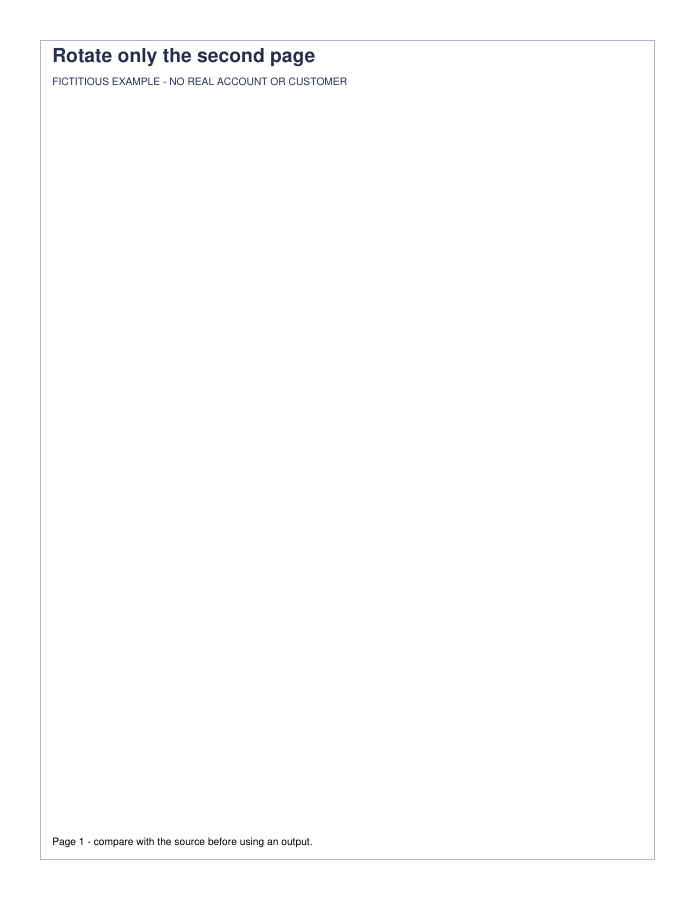
Reopen the download and inspect orientation and page count.
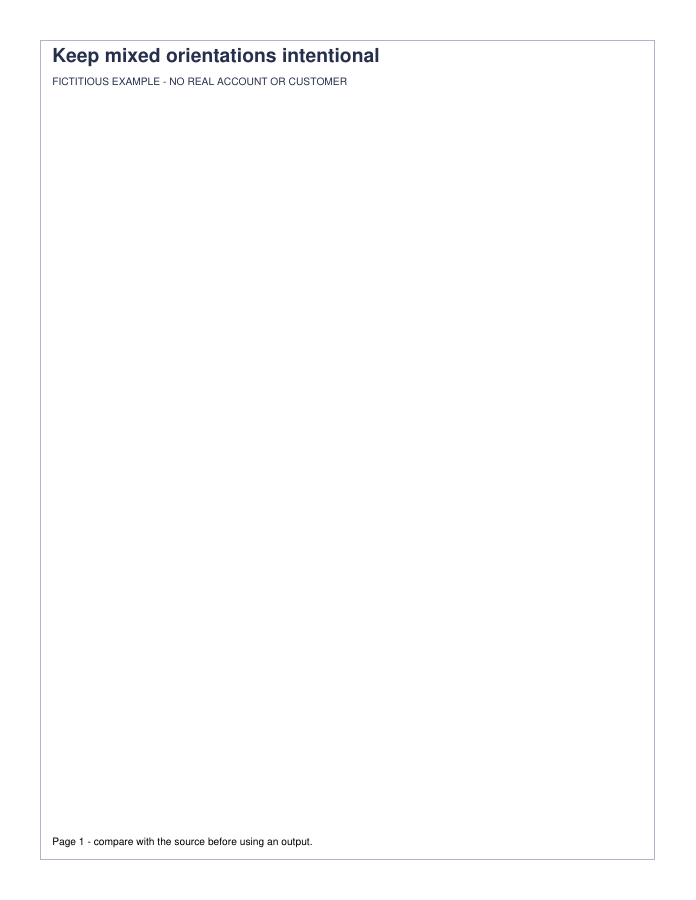
Reopen the download and inspect orientation and page count.
Rotate PDF pages with 5 free daily jobs and files up to 25 MB. No account is required to start.
Thanks to its powerful rotation processing capabilities, this tool is able to rotate multiple PDF files in a shorter amount of time.
This tool enables you to rotate and delete PDF pages, giving you complete control over the final document before saving it.
Server tools delete uploaded files after 60 minutes. Browser tools keep the file on your device.
This tool is designed for all users, advanced knowledge is not required. So, It's easy to rotate PDF files.
You can access or use the Rotate PDF pages online on the Internet using any browser from any operating system.
Phone scans and exports often land in landscape when you need portrait. Rotate left or right on a page, or rotate every page at once.
Rotation runs in your browser. Download the corrected PDF when the pages look right.
This tool uses a free daily job like the rest of MyPDF. Upgrade if you regularly work with files larger than the free limit.
Select the sideways pages, turn them left or right, and choose Save and Download. The downloaded PDF keeps the new orientation when you reopen it in another viewer.
Choose the pages you want to change before rotating. Preview a page to check the direction. Leave upright pages unselected, then review the full document before saving.
Open the downloaded file and check its first page, the pages you changed, and the page count. A viewer’s temporary rotate-view button may only change what you see on screen; downloading the edited PDF saves the page rotation in the file.
Files stay in your browser for this tool. Five daily jobs and files up to 25 MB are free.
Download the one-page fictitious sample, rotate its page once to the right, and save. Reopen the output and check that it still has one page and keeps its new orientation. Leave your original unchanged.
Inspect the actual sample export with a saved 90-degree rotation.
The sample export has one page and a saved 90-degree rotation. Inspect your own downloaded file before using it.
Prepare the finished PDF for an upload limit or watch rotation and download in the real app.